
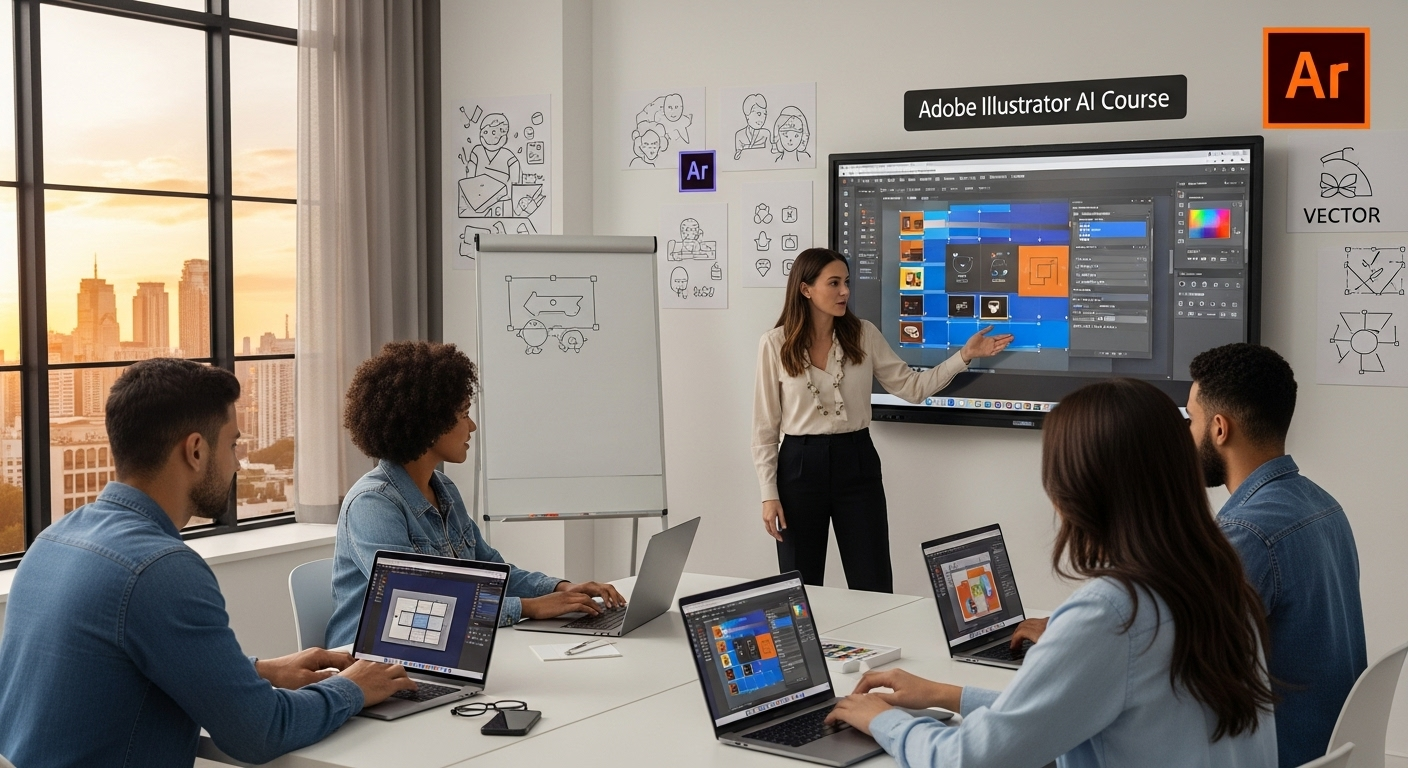
Description
This course aims to boost the abilities of Student will transition from images editing to vector designs as they study how to use design software on a computer to create impressive designs.
What you'll learn
- Interface Introduction to Adobe Illustrator
- Panels & Workspaces in Adobe Illustrator
- Vector basics / Selection & Direct selection tool
- Fill & Stroke effects in Adobe Illustrator
- Using Colour / Swatches / Pantone’s / Gradients & more
- Working With different type of shapes
- Grouped vectors, Compounding vector shapes & Using the shape builder tool
- Drawing with the Pen tool / Brush tool / Pencil tool & more
- The Blob brush tool & Eraser tool in Adobe Illustrator
- Image trace tool for sketches in Adobe Illustrator
- Colouring a vector drawing in Adobe Illustrator
- Exporting document in different type of file formats
- Job Opportunities
- Graphic Designer
- UI Designer
- Visual Designer
- Digital Designer
